How to use it
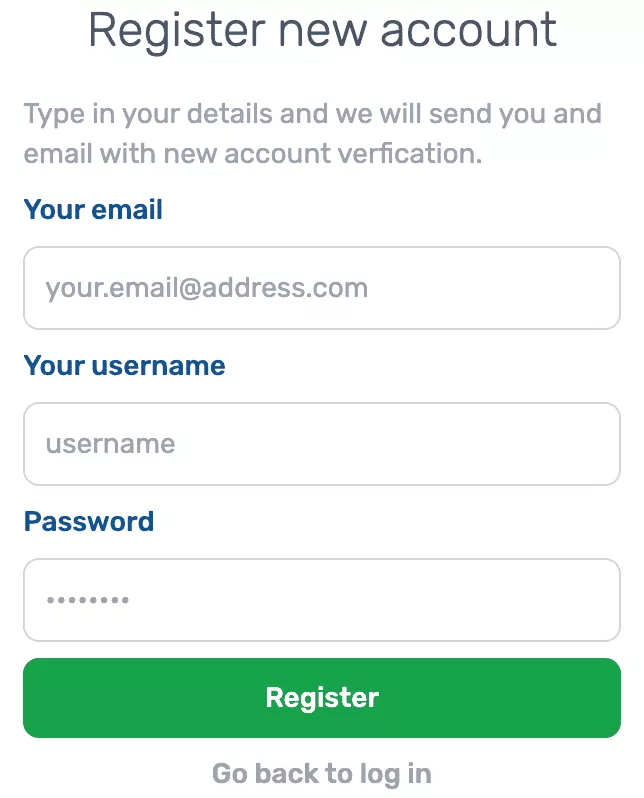
We would like to introduce our new tool: online model meshing service. To use this tool, all you need to do is open your browser and type in the address bar https://app.totalsym.com. When you access the site for the first time, you will need to create a free account by entering your email address, username and password. You will then receive a confirmation e-mail to activate it.
Once you have logged in, a panel will appear with a list of all the available models we have added so far. To add a new model, all you have to do is click the appropriate button, select the STEP or STP file from the disk and then follow the progress of the model loading on the server. During this process, we receive regular updates on the current status of the file processing.
Once the process is complete, we can see the results by clicking on the three dots next to the file name. We can download the files in STEP and STL formats, as well as view the model in the built-in graphic viewer. In addition, we can see the meshing effects and download the finished file having a mesh in MSH format. In case of problems with the faulty or unwanted files, there is an archive option.
Adding more models is easy - just click on the "add another one" link and again click on the button we used at the beginning. It is also possible to browse through older files, where when you click on a desired item, a full list of information such as creation date, model size, area etc. unfolds. We provide also extra information about meshing parameters in gmsh and ansys tool
To make it easier to manage all our models, we have created a convenient interface that allows you to sort by name, volume, area and date. You can also search by status and filter the models by their visibility option, ie: browse items which you have already archived.